Noundation UI
Instructions to "Bring Your Own Brand"
→ Update logo
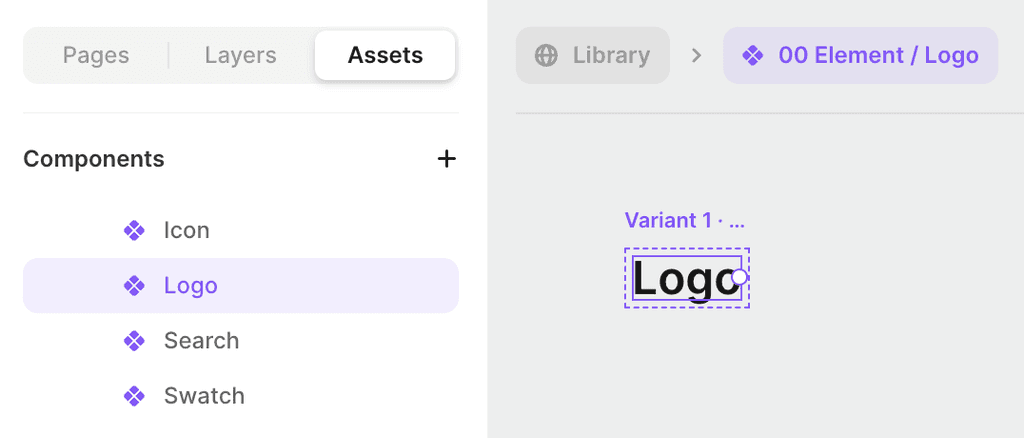
Under Assets, click on Logo and replace the default logo with yours.
If you don't have a logo mark, you can update the text and font to match your brand name.
→ Edit fonts
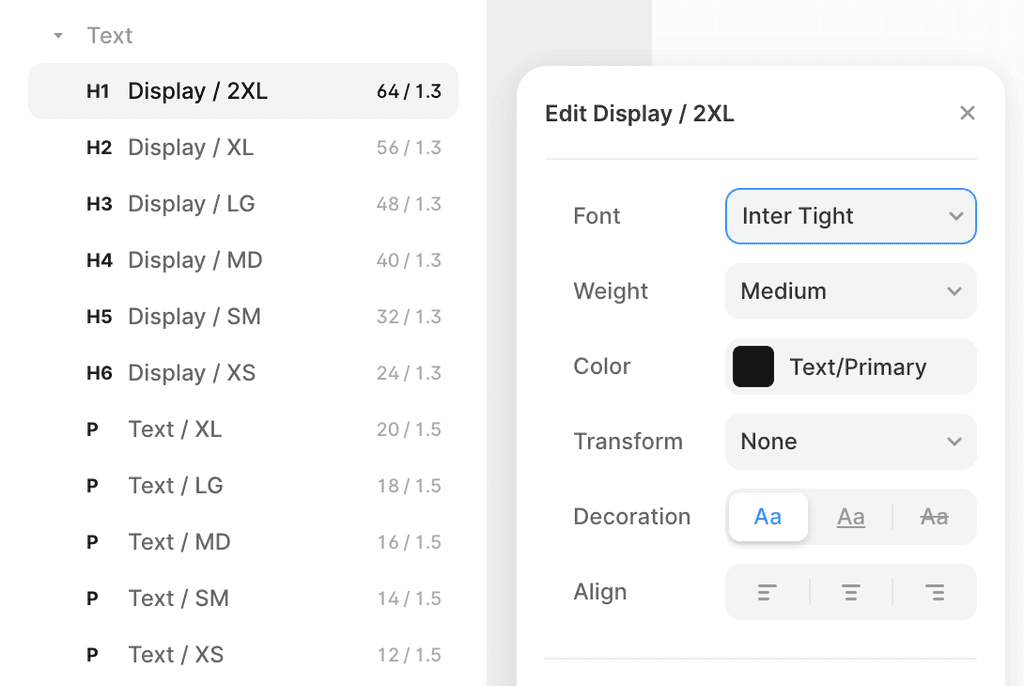
Under Assets, change the font to the desired font family.
You must update the font for all text styles from H1 to P. You do not need to edit any other settings since the font size and line height are set to scale based on breakpoint.
→ Edit colors
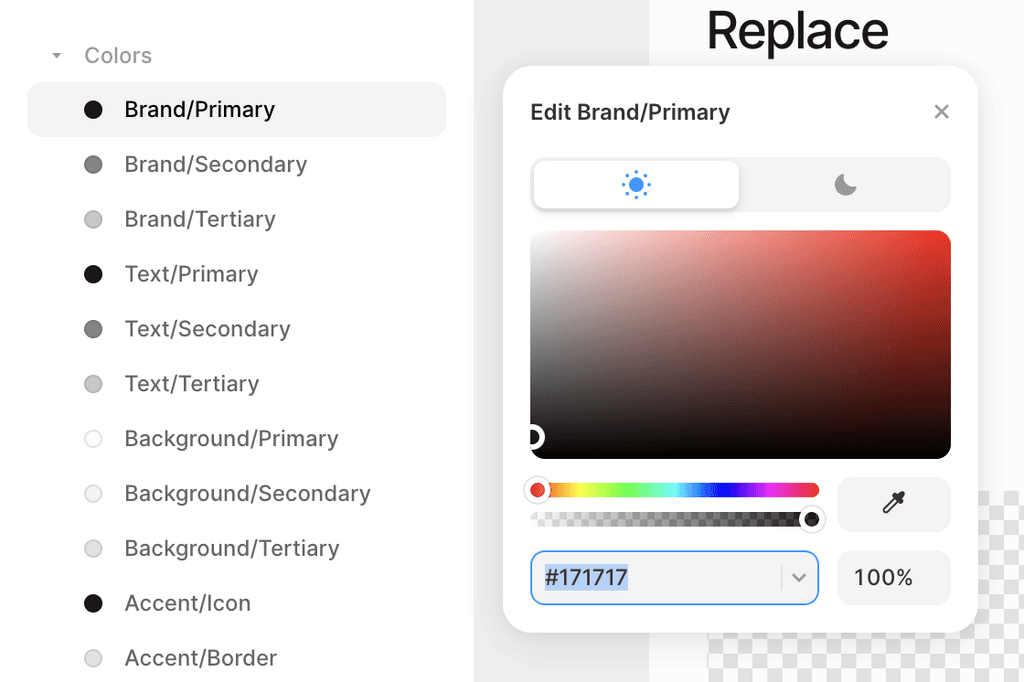
Under Assets, change brand colors to your own. Updating the brand colors will update the palette for all sections.
The main one to change is Brand/Primary. Changing Brand/Secondary and Brand/Tertiary will update smaller accents through all sections. You don't need to change any other colors. You are also able to set a Dark Mode color as well. The UI kit will automatically update the site to Light or Dark mode depending on the user's system settings.
→ Creating pages
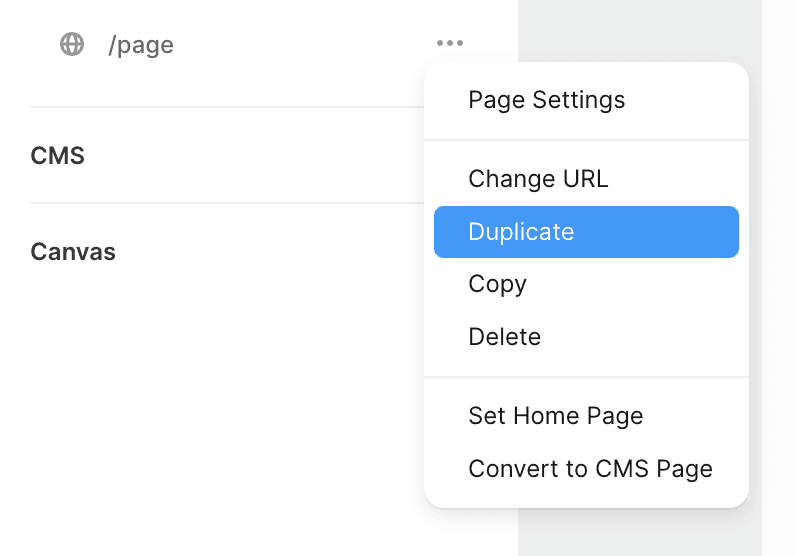
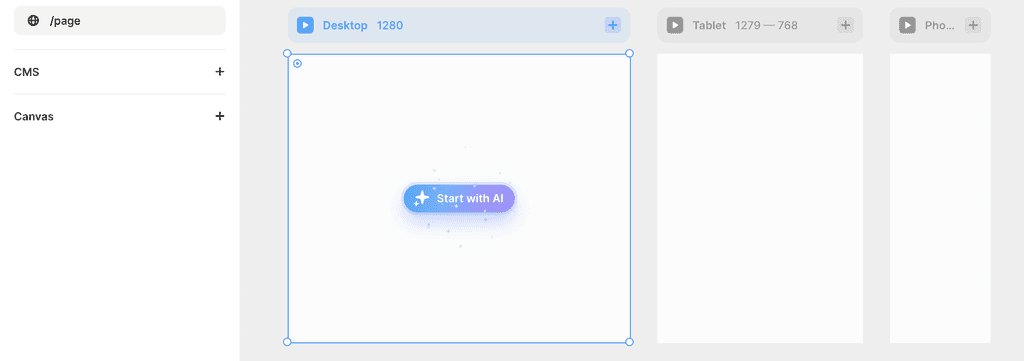
Duplicate /page and find sections from the other pages that you want. Copy the Desktop section ONLY paste it into your new page. The tablet and mobile versions should show up automatically.
Start by copying and pasting in a Navbar and a Footer. One possible landing page structure could look like:
Navbar
Section/Header
Section/Features
Section/Pricing
Section/FAQ
Section/Testimonials
Footer
→ Update page settings
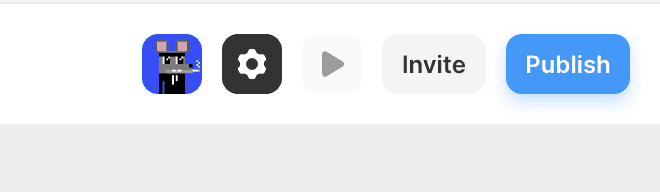
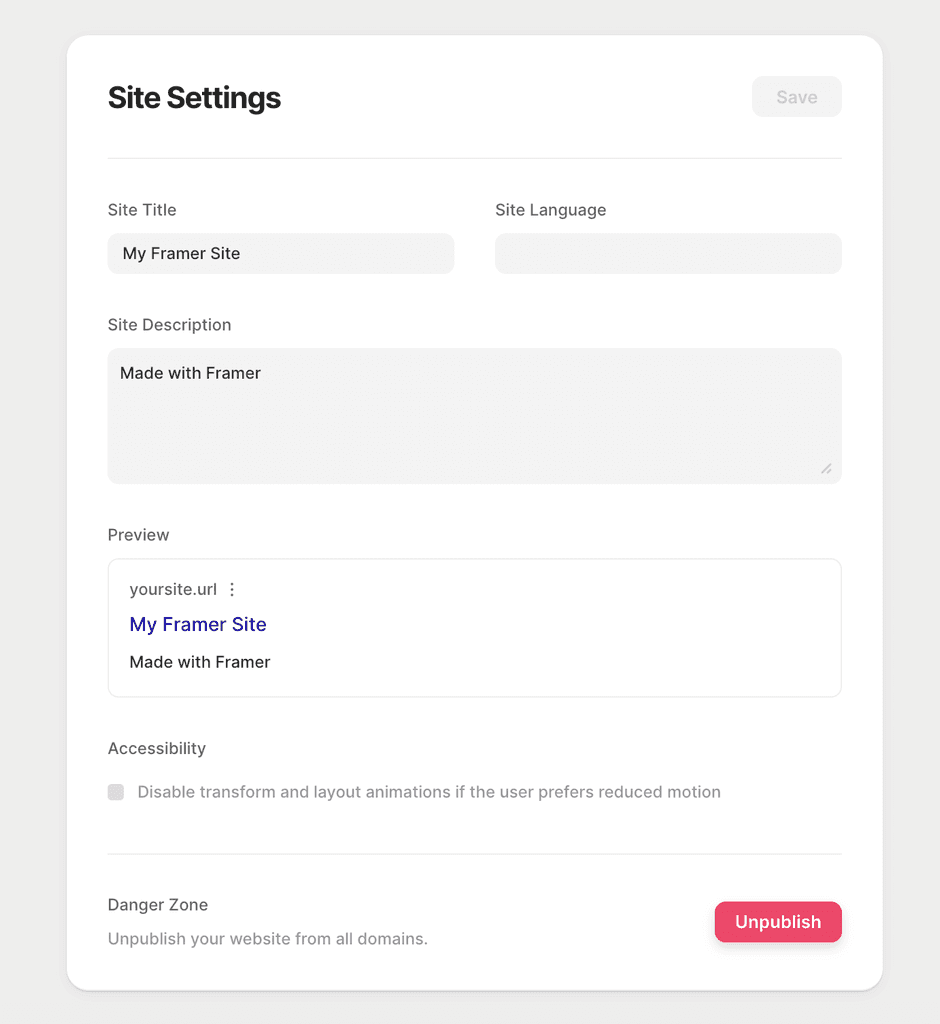
Click on the ⚙ Settings icon in the top right corner.
On settings, you are able to change things like your site title, description, favicon, and og-image (check out the Noundation UI Figma Kit for a template).
→ Publish your site
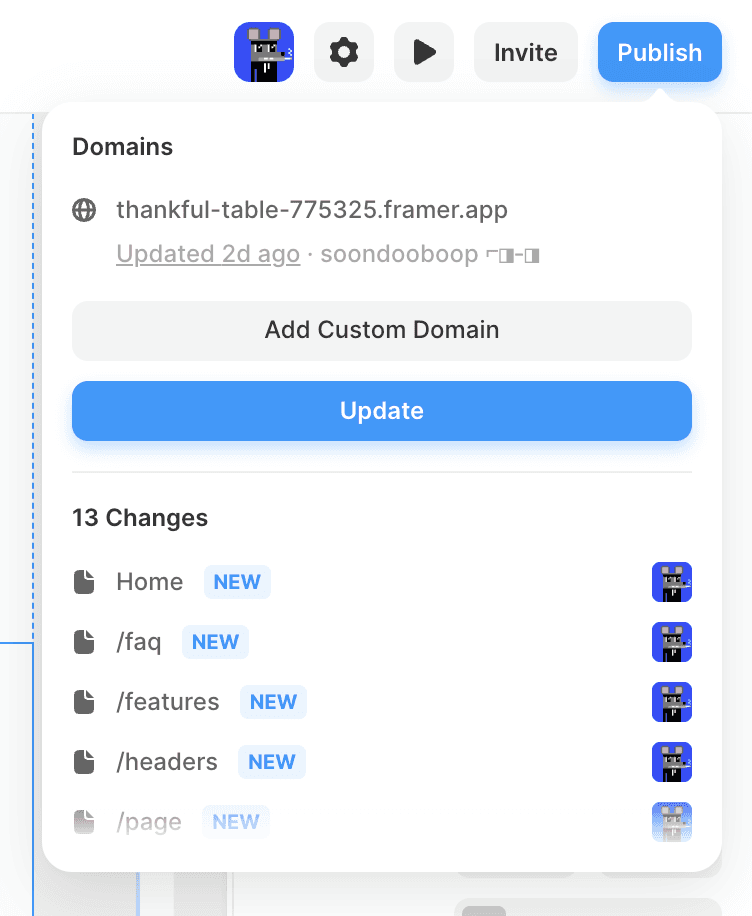
Click on the Publish button to in the top right corner to publish your site.
On settings, you are able to change things like your site title, description, favicon, and og-image (check out the Noundation UI Figma Kit for a template).
→ Publish your site
Click on the Publish button to in the top right corner to publish your site.
On settings, you are able to change things like your site title, description, favicon, and og-image (check out the Noundation UI Figma Kit for a template).
→ Add a custom domain
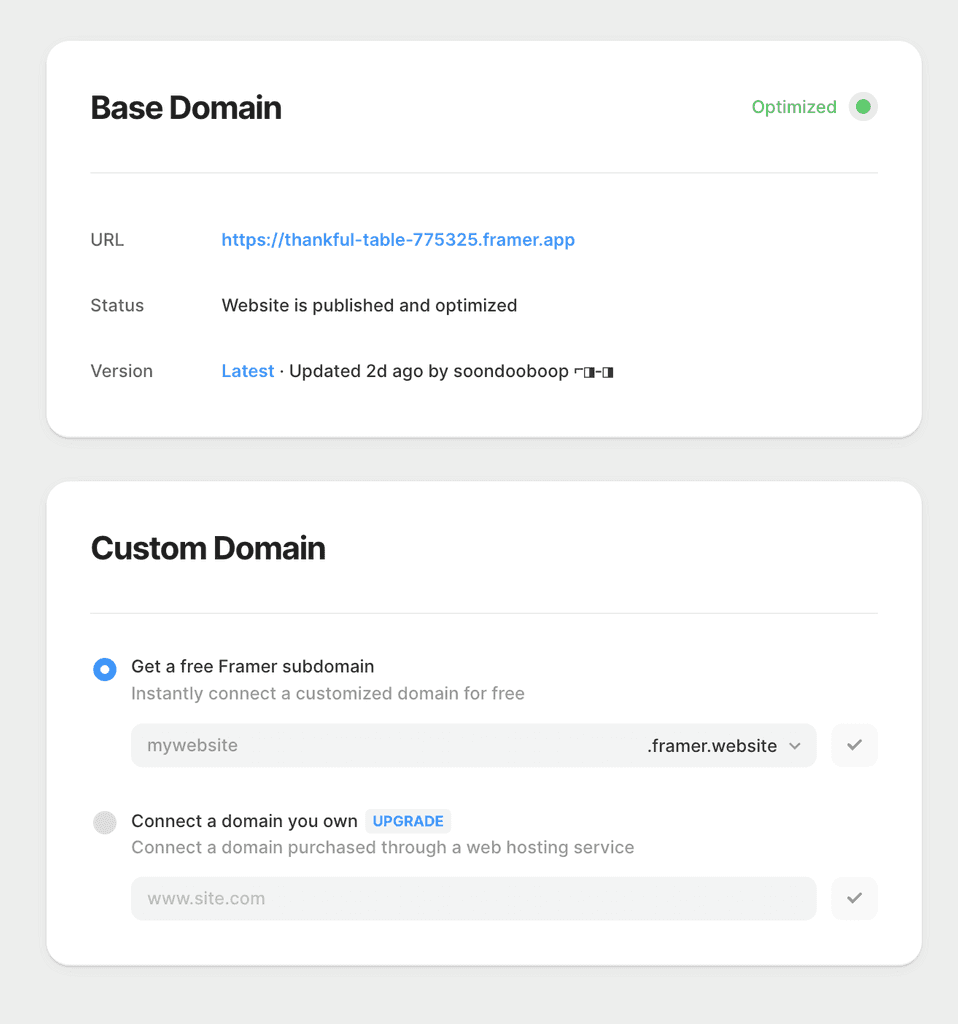
Under Settings -> Domain, follow the steps to add a custom domain.
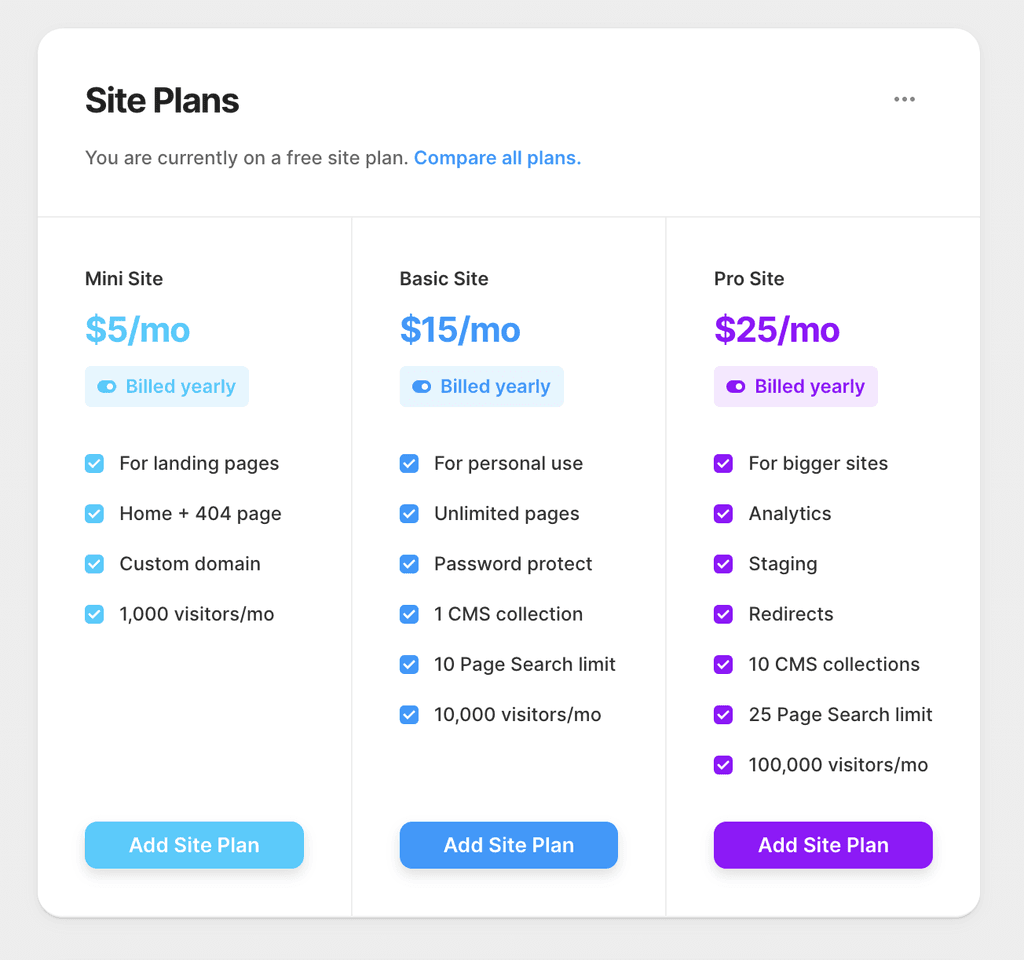
You will have to upgrade your Framer plan in order to add a custom domain. Plans start from $5/month.